APSGO LOGO
Combination
x1
Total Price:
View Cart
No APPS available
Cart
HomeOverviewHyperSnap 10 - Professional Multi-functional Screen Capture Tool Software
HyperSnap 10 - Professional Multi-functional Screen Capture Tool Software
-25% OFF!
HyperSnap 10 - Professional Multi-functional Screen Capture Tool Software截图HyperSnap 10 - Professional Multi-functional Screen Capture Tool Software截图HyperSnap 10 - Professional Multi-functional Screen Capture Tool Software截图HyperSnap 10 - Professional Multi-functional Screen Capture Tool Software截图HyperSnap 10 - Professional Multi-functional Screen Capture Tool Software截图HyperSnap 10 - Professional Multi-functional Screen Capture Tool Software截图HyperSnap 10 - Professional Multi-functional Screen Capture Tool Software截图HyperSnap 10 - Professional Multi-functional Screen Capture Tool Software截图HyperSnap 10 - Professional Multi-functional Screen Capture Tool Software截图HyperSnap 10 - Professional Multi-functional Screen Capture Tool Software截图HyperSnap 10 - Professional Multi-functional Screen Capture Tool Software截图HyperSnap 10 - Professional Multi-functional Screen Capture Tool Software截图HyperSnap 10 - Professional Multi-functional Screen Capture Tool Software截图HyperSnap 10 - Professional Multi-functional Screen Capture Tool Software截图HyperSnap 10 - Professional Multi-functional Screen Capture Tool Software截图HyperSnap 10 - Professional Multi-functional Screen Capture Tool Software截图HyperSnap 10 - Professional Multi-functional Screen Capture Tool Software截图HyperSnap 10 - Professional Multi-functional Screen Capture Tool Software截图HyperSnap 10 - Professional Multi-functional Screen Capture Tool Software截图HyperSnap 10 - Professional Multi-functional Screen Capture Tool Software截图HyperSnap 10 - Professional Multi-functional Screen Capture Tool Software截图HyperSnap 10 - Professional Multi-functional Screen Capture Tool Software截图HyperSnap 10 - Professional Multi-functional Screen Capture Tool Software截图
上一个下一个
Download
HyperSnap 10 - Professional Multi-functional Screen Capture Tool Software U.S.A
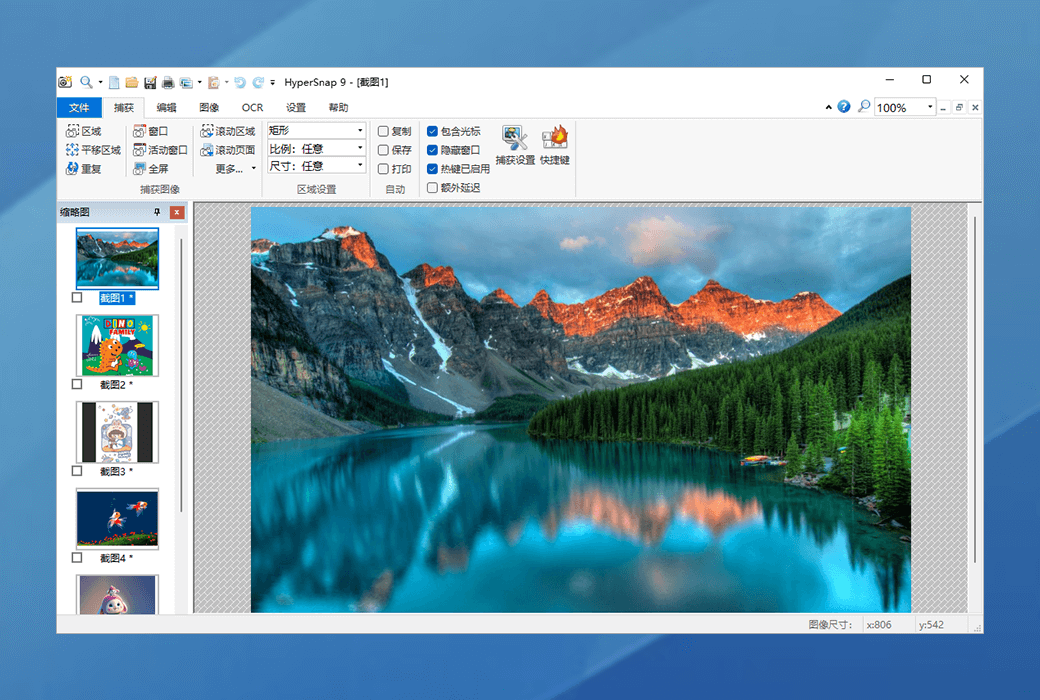
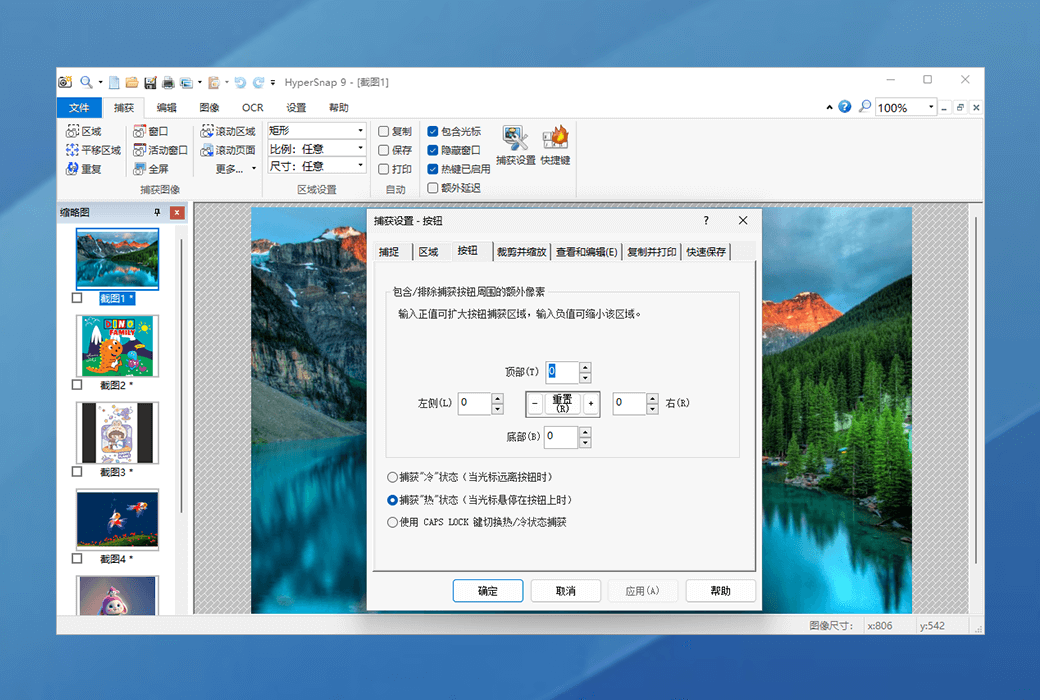
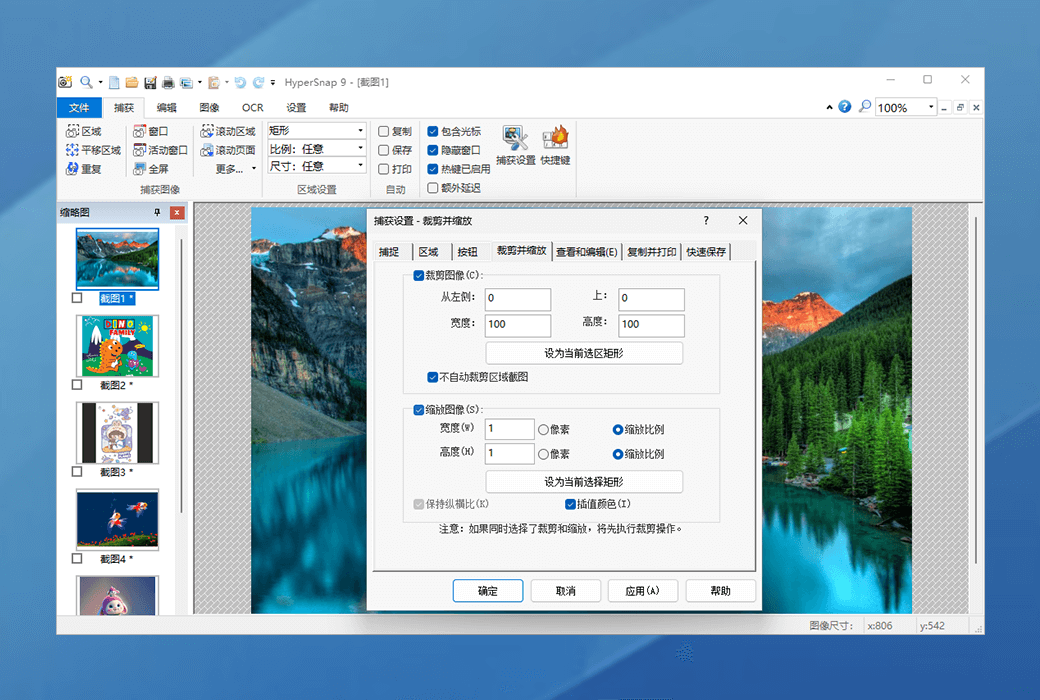
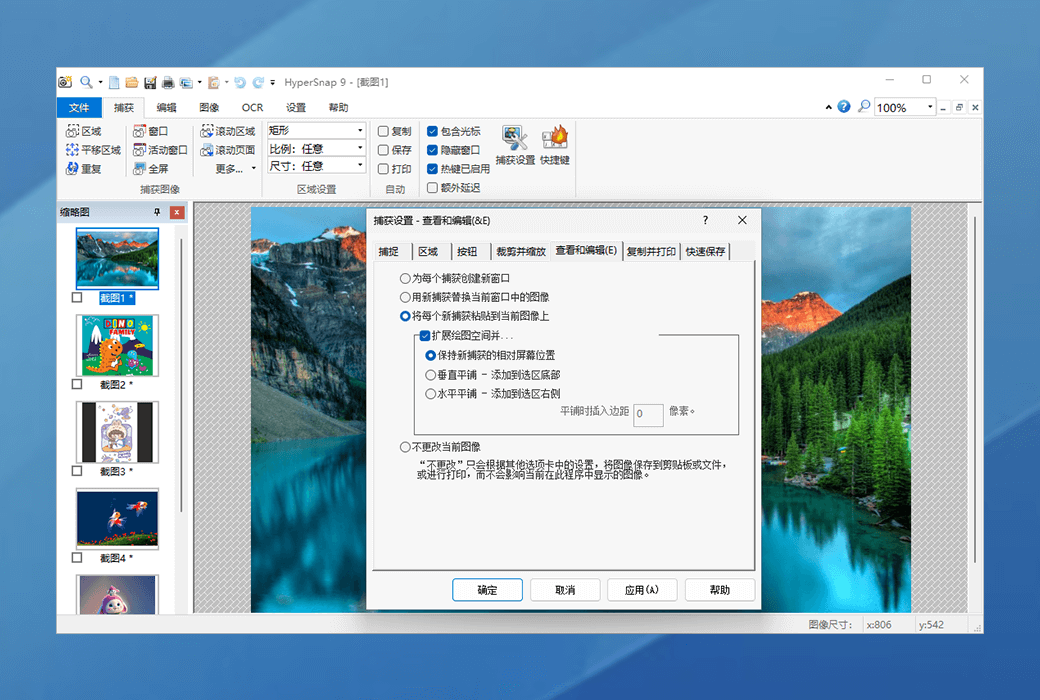
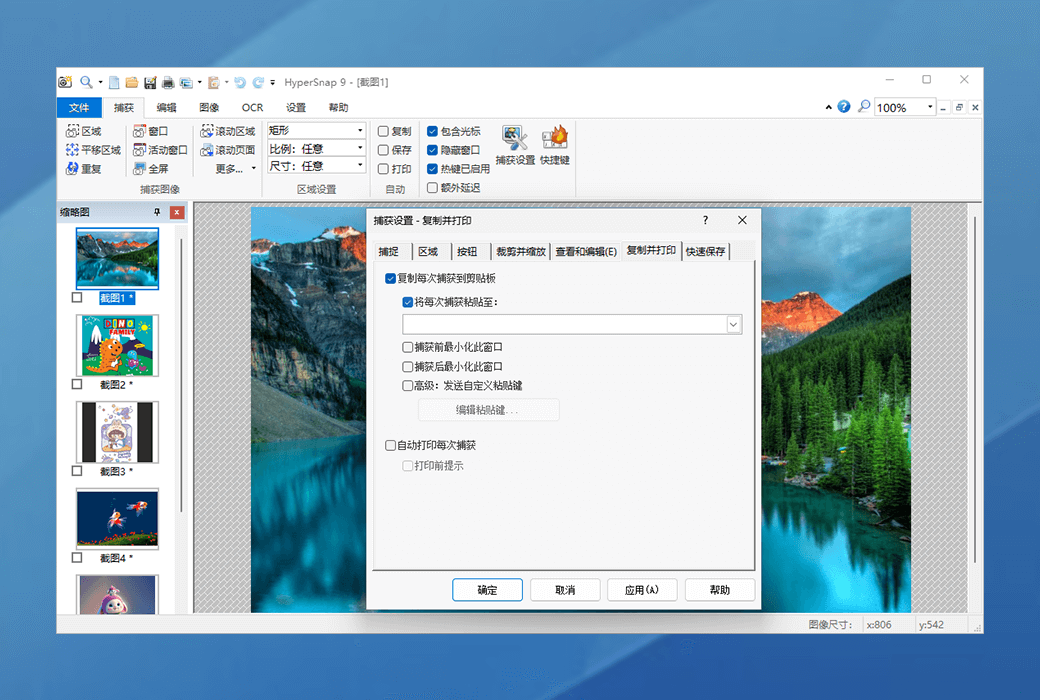
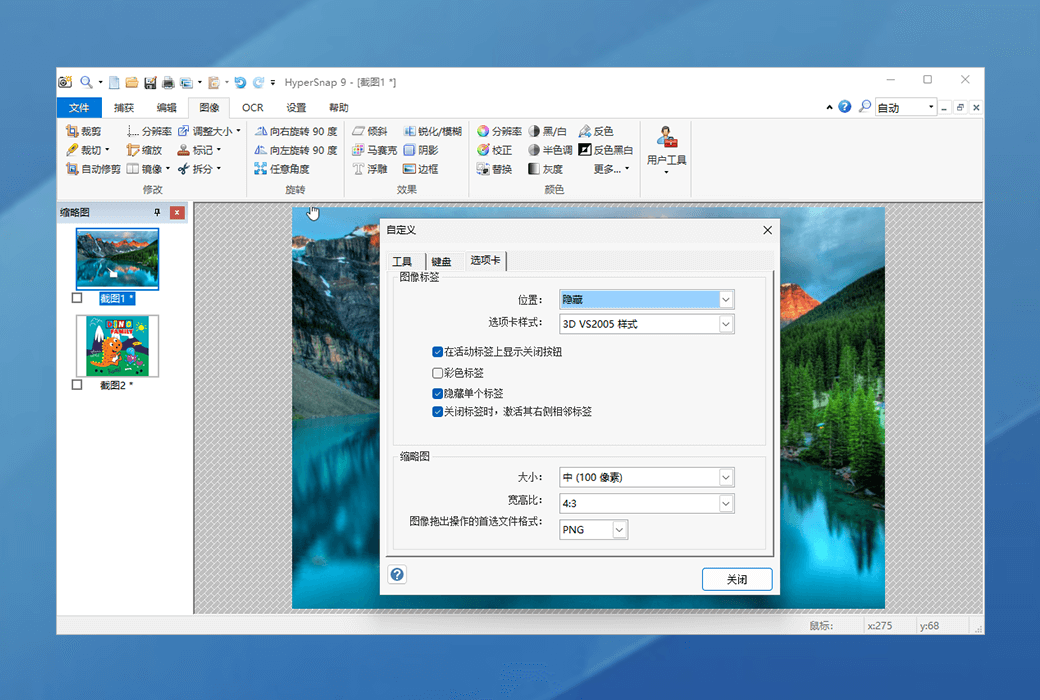
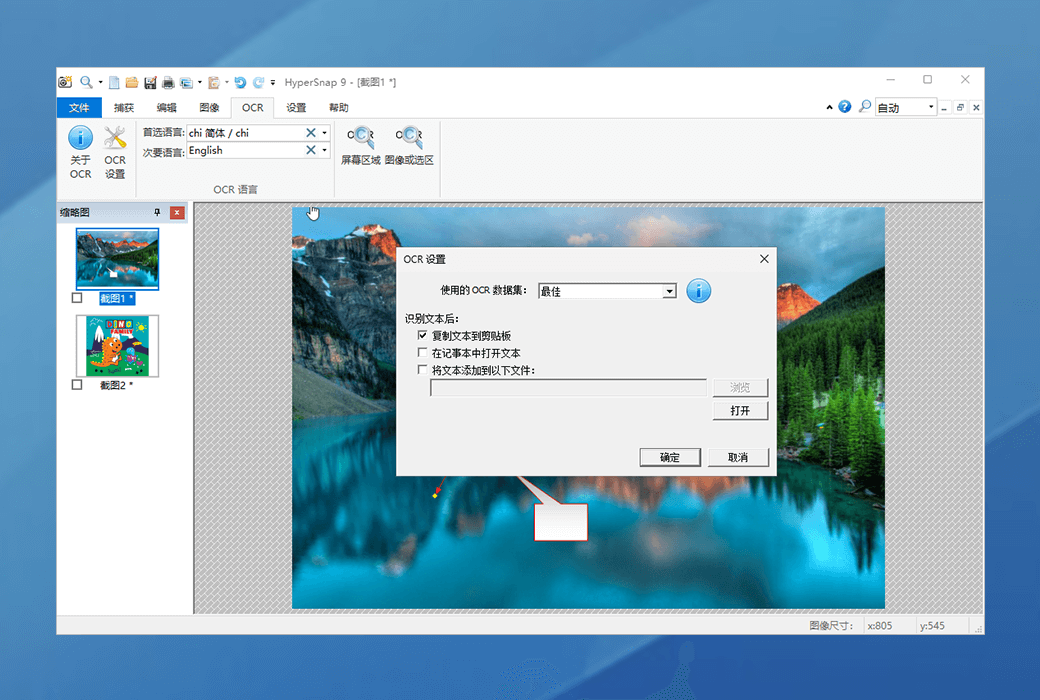
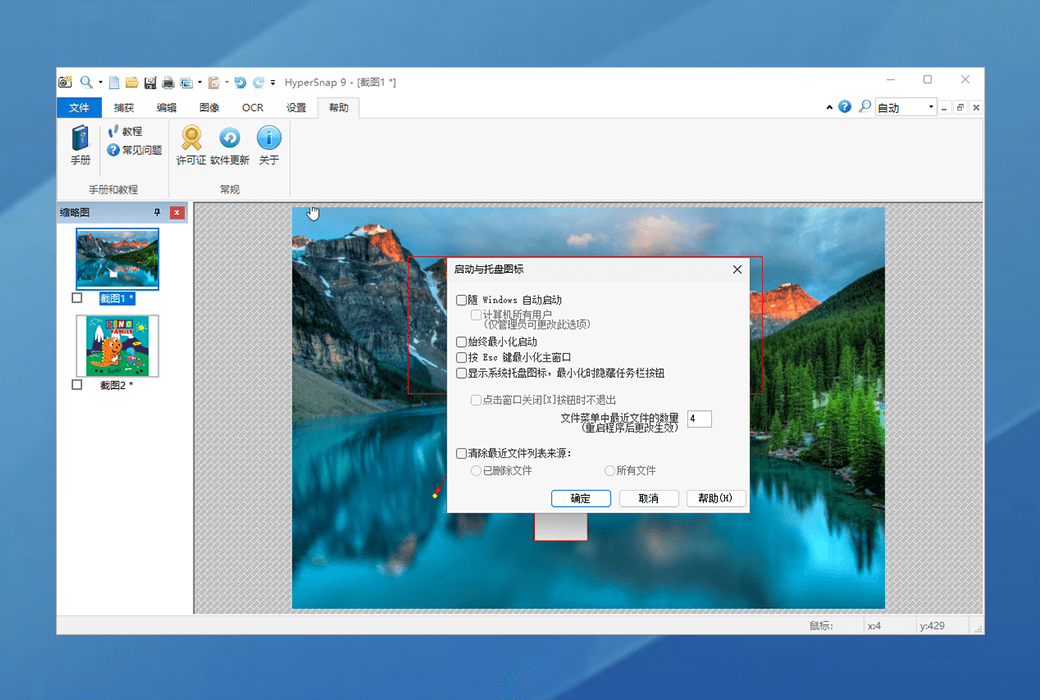
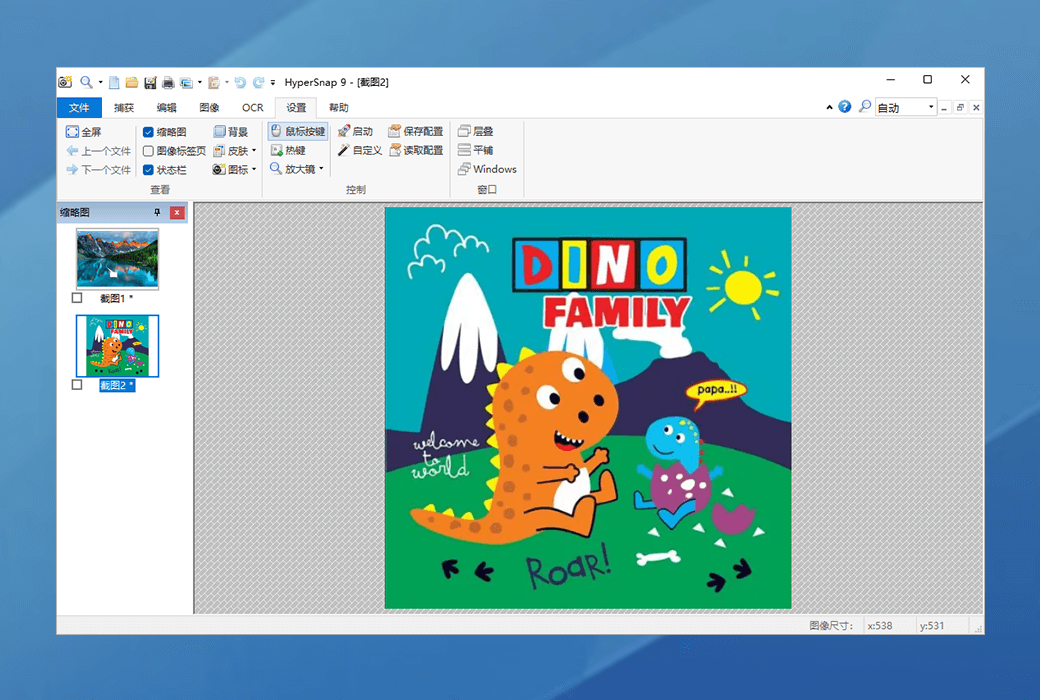
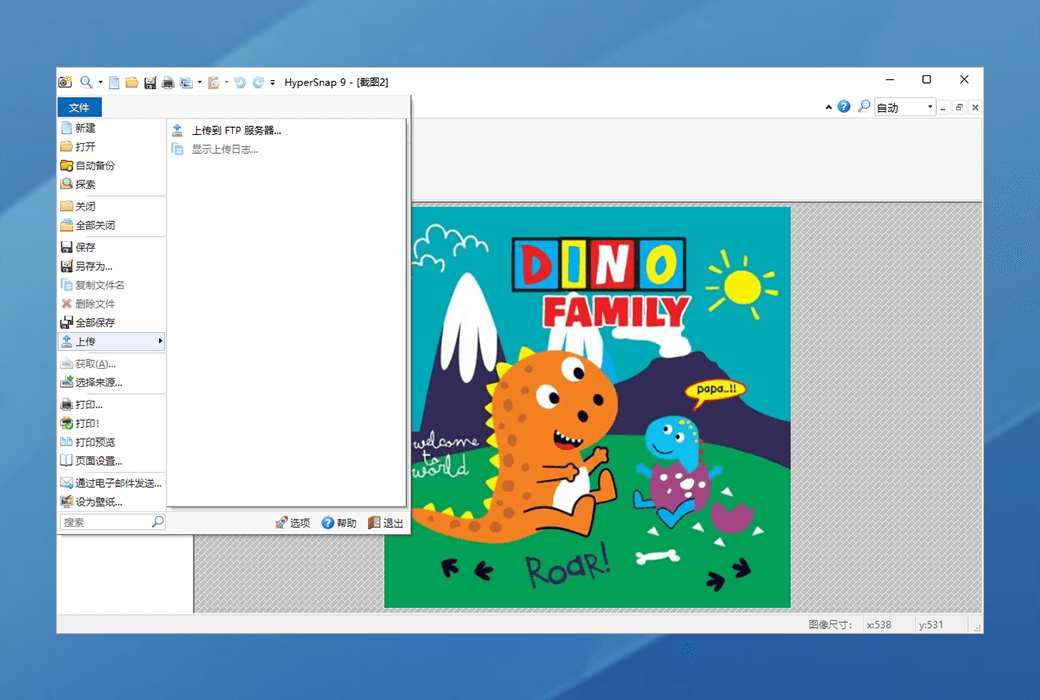
HyperSnap is a screenshot tool designed specifically for Windows 10 and Windows 11 systems. It seamlessly integrates efficient screenshot capabilities with powerful image editing and OCR text recognition functions, making it an ideal choice for quickly capturing screens and editing images.
Version:
Lifetime Version upgrade
* Purchase this specification to receive the following gifts : ( Buy 1 or more items and the offer is valid until stock lasts )
Note: In seckill, once sold out, the original price will be restored!
Hurry! Limited-time offer ends soon!
Currently available last items
Preview of seckill, event price: CNY
The inventory available for seckill is items
Retail Price
Specifications
Not Selected
Group Buying
There is currently no Group Buying available, please open a group
{{ item.spec_desc }}
{{ item.user.nickname }} In {{ item.created_at }} Start Still need {{ item.left_count }}xPending Group Buying, some users have not paid
Join

Activity Rules

1、Activity time:{{ info.groupon.start_at }} ~ {{ info.groupon.end_at }}。

1、Activity time:cease when sold out。

2、Validity period of the Group Buying:{{ info.groupon.expire_days * 24 }} hours。

3、Number of Group Buying:{{ info.groupon.need_count }}x。

Please Pay Attention

1、Teamwork process: Join/initiate a Group Buying and make a successful payment - Within the validity period, the number of team members meets the activity requirements - Group Buying succeeded!

2、If the number of participants cannot be met within the valid period, the group will fail, and the paid amount will be refunded in the original way.

3、The number of people required and the time of the event may vary among different products. Please pay attention to the rules of the event.

{{ item }} ({{ app.qa.questionsData.total }})

What is HyperSnap?


HyperSnap is a screen capture tool for Windows systems. HyperSnap combines a professional screen capture application with advanced image editing tools to create an easy-to-use tool!


Main Features


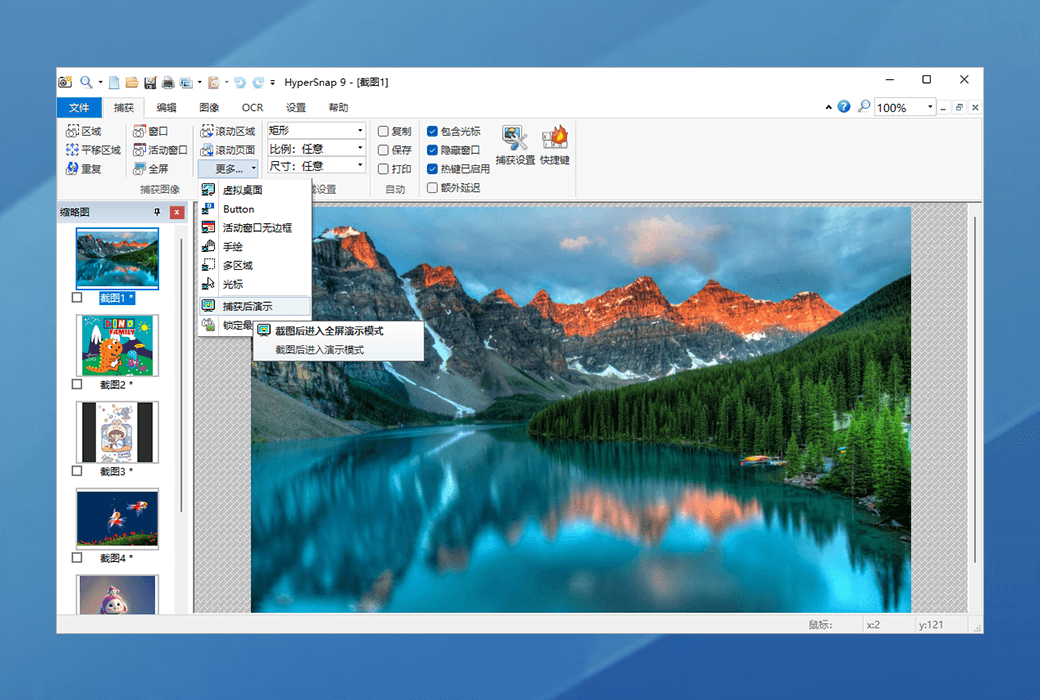
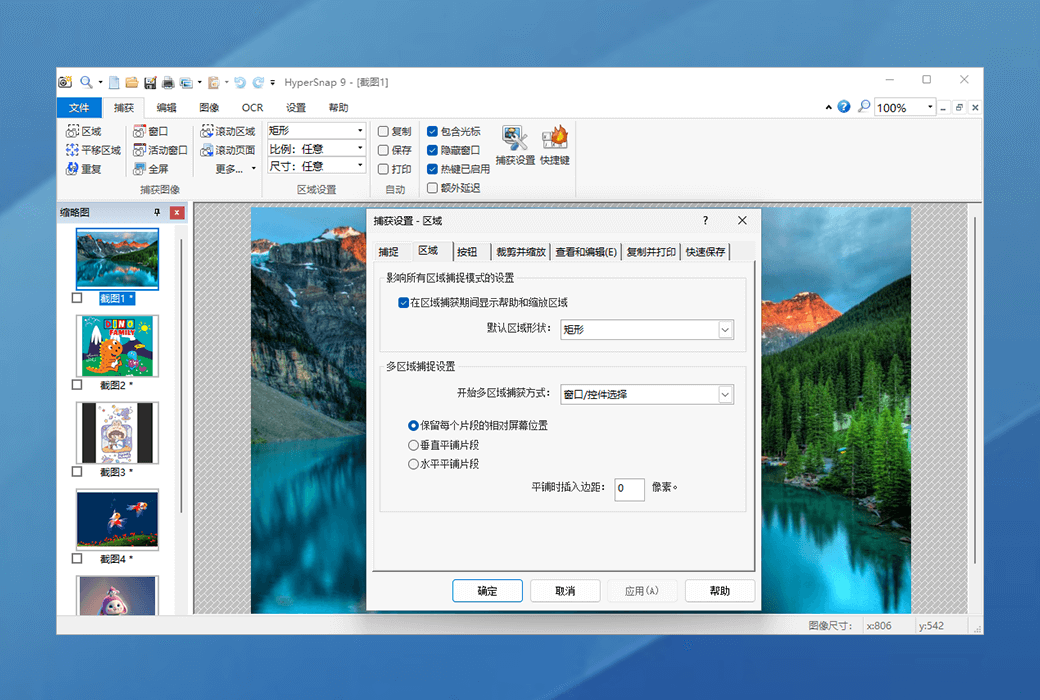
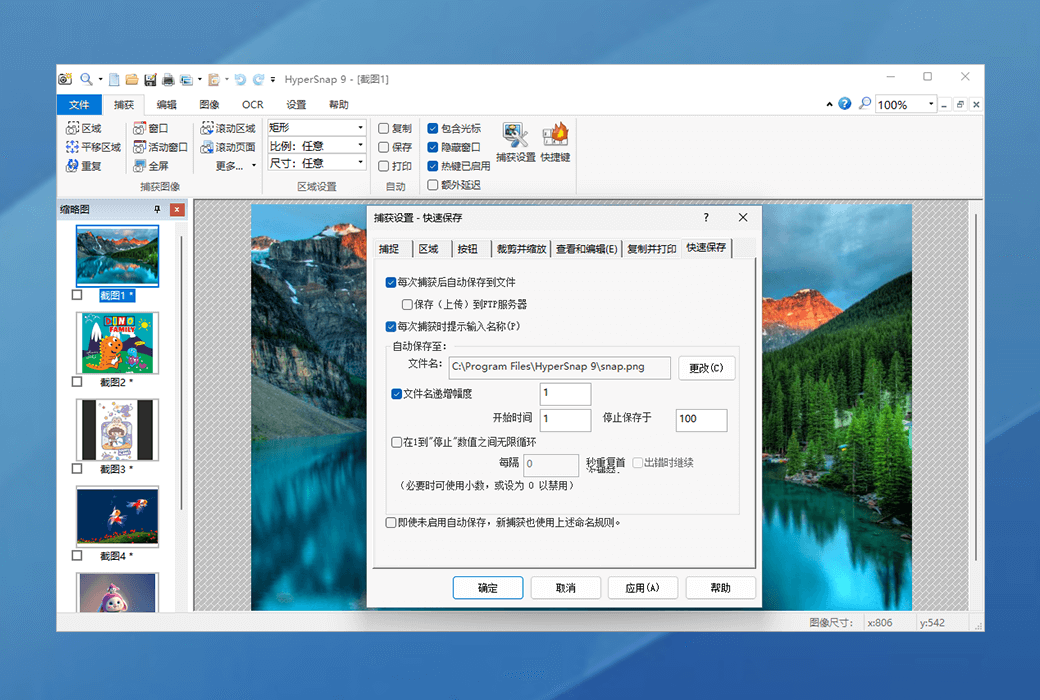
  1. Capture images of any shape and size from any location on the screen or multiple monitors.
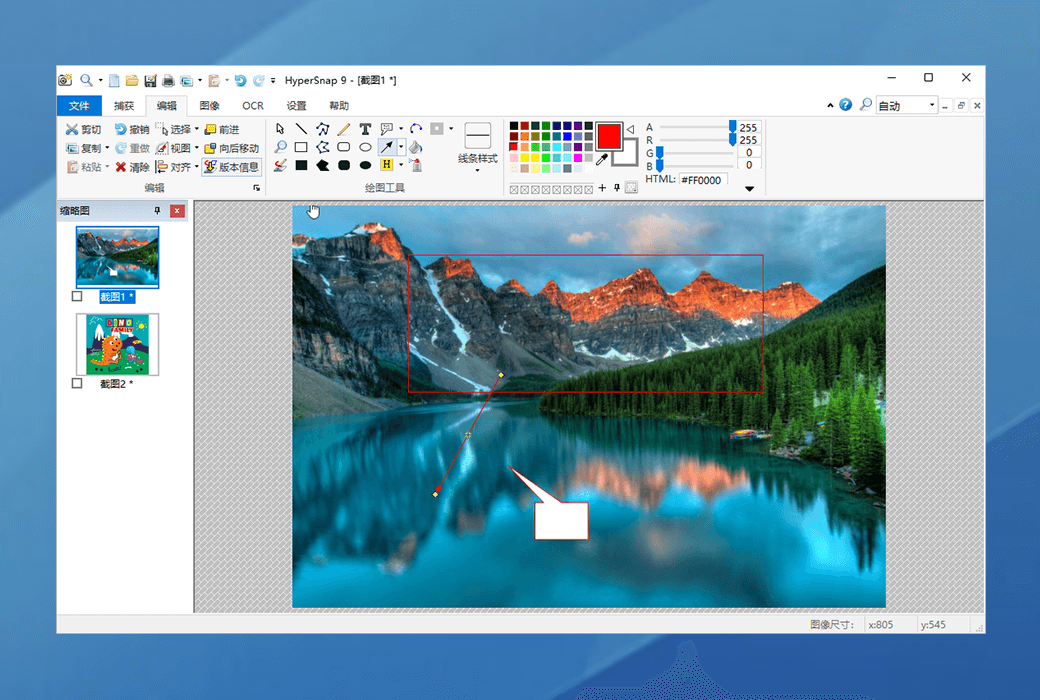
  2. New powerful image capture, editing, annotation, and manipulation tools. Now you can select, edit, show and hide, move, and delete objects drawn on images at any time. The new native file format allows you to save the drawn objects for later editing or save them as standard images, permanently "imprinting" the objects on them.
  3. Infinite undo/redo.
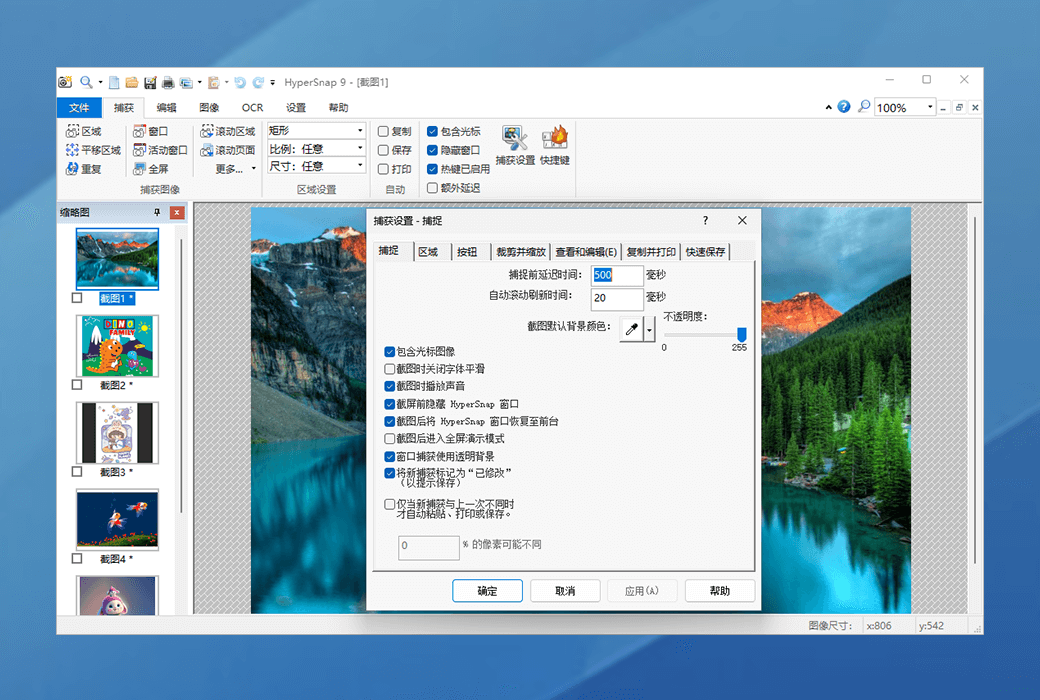
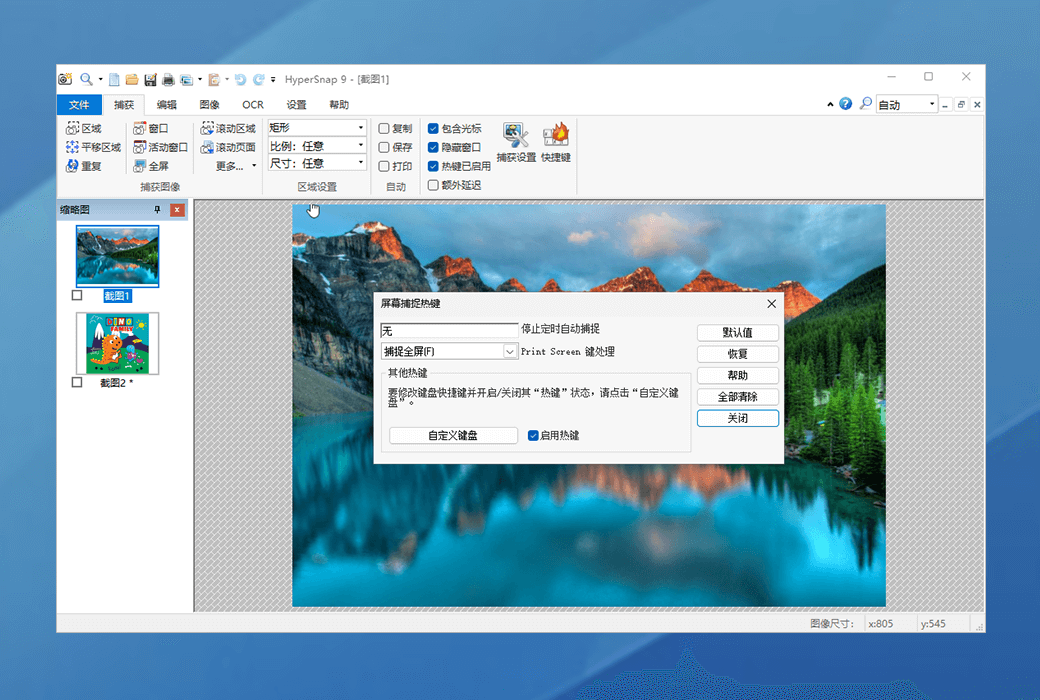
  4. Capture drop-down menus and lists using hotkey functionality or delayed capture.
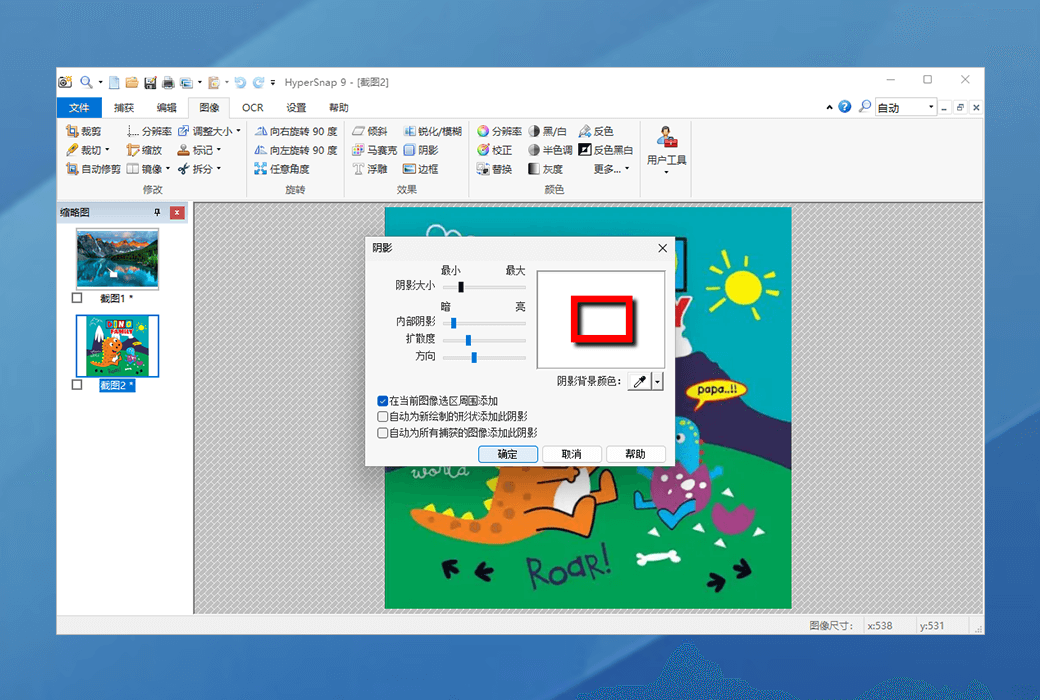
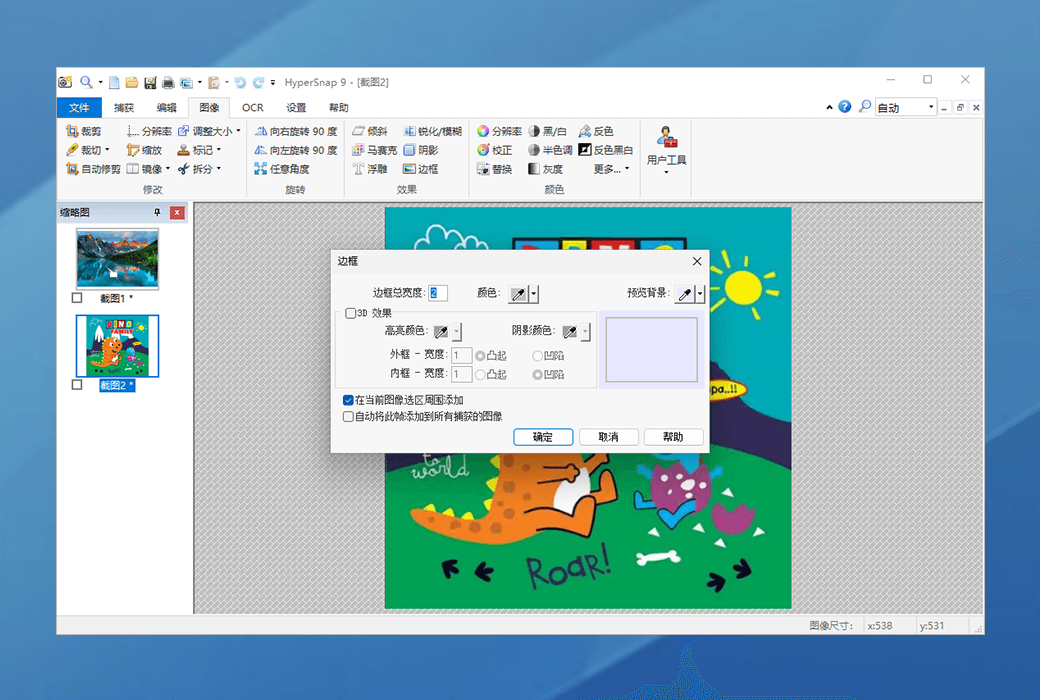
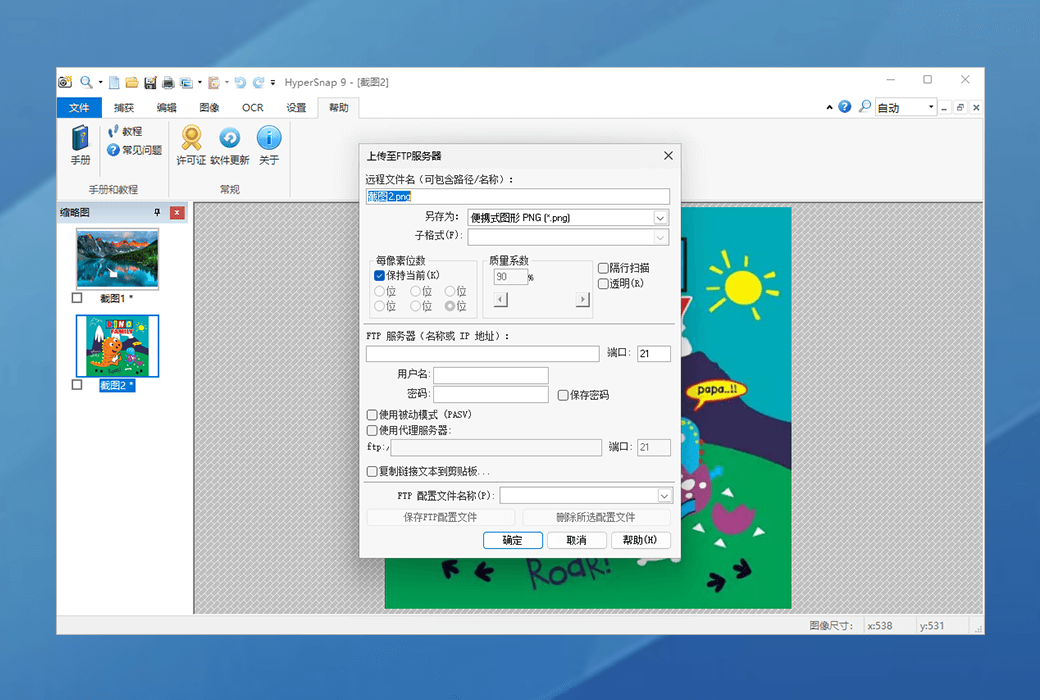
  5. Image stamp, border, shadow, freehand capture, FTP server upload, etc.
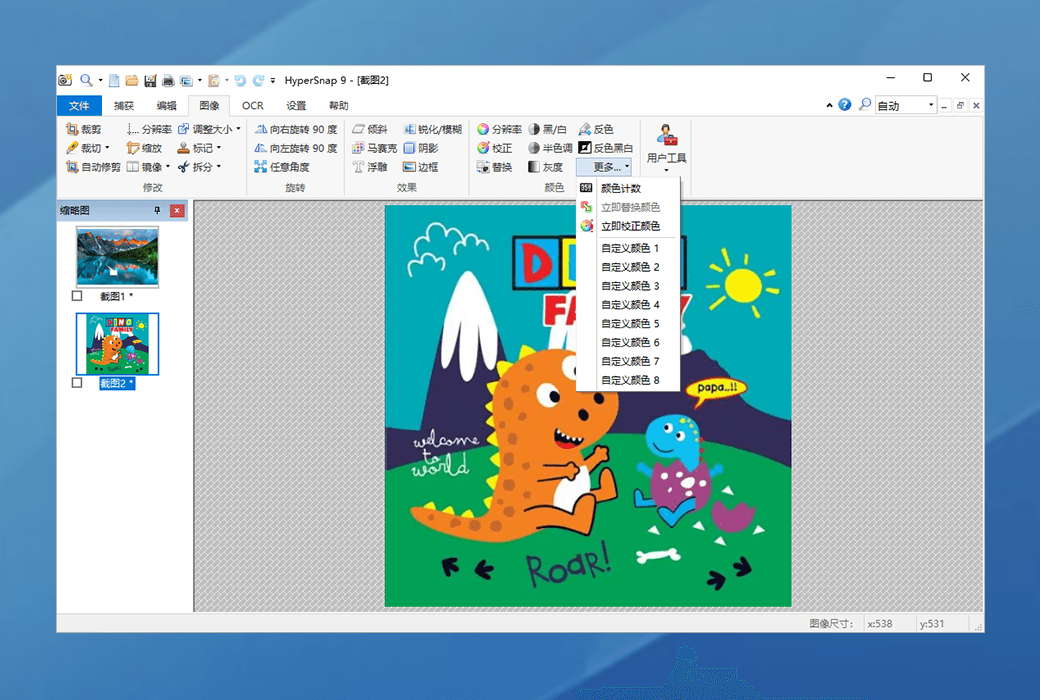
  6. Automatic color replacement.
  7. Non-rectangular window capture.
  8. Button capture - perfect for professional technical document writers who need to capture and record dozens of buttons!
  9. Automatically scroll and capture long web pages and other documents simultaneously, enabling it to capture content beyond the visible range on the screen.
HyperSnap 10 - Professional Multi-functional Screen Capture Tool Software LOGO

Official Website:https://hyperionics.com/

Download Center:https://hypersnap.apsgo.cn

Shipping Time: Manual processing for shipping

Operating Platform: Windows

Interface Language: Supports Simplified Chinese and German interface display.

Update Instructions: Supports minor version upgrades and updates, e.g., 10.x

Trial Before Purchase: Free trial for 20 days before purchase.

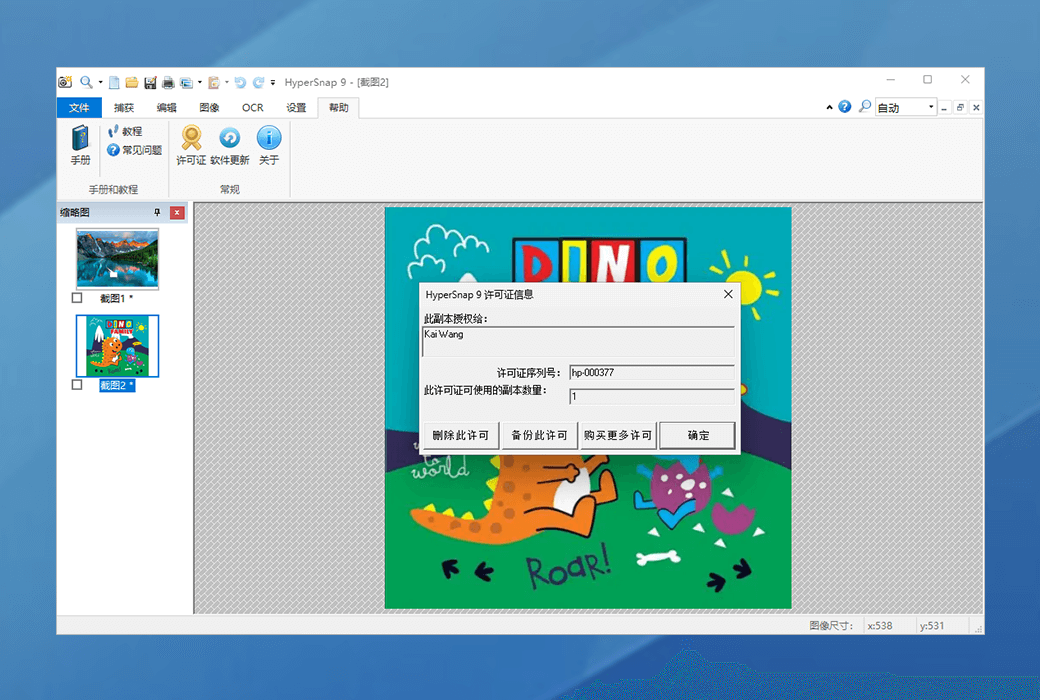
How to Receive the Product: After purchase, the activation information will be sent to the email used for ordering, and the corresponding product activation code can be viewed in the personal center, My Orders.

Number of Devices: Can be installed on 2 computers, but only 1 computer can use the software at the same time.

Changing Computers: Uninstall on the original computer and activate on the new computer.

Activation Guide: To be added.

Special Instructions: To be added.

References:https://hyperionics.com/

Any question

Submit
Ask a question
All FAQ News Activate DefaultNewest